KDP Keywords vs Categories: What Is the Difference?
Understand the different jobs KDP keywords and categories perform, where they overlap, and how to use both without wasting metadata.
Categories and keywords are the two primary metadata levers KDP authors use to influence discoverability. Many authors treat them interchangeably , filling their keyword fields with genre terms that their categories already cover. This is a significant waste of keyword potential. For the full keyword research strategy, see our
Amazon changes metadata, taxonomy, and merchandising systems. This article reflects the September 2026 workflow, but the live KDP interface and help pages remain the final authority.
How Categories Work
KDP currently lets authors choose up to three categories during setup. Choose categories that accurately describe the book for its primary audience, format, and primary marketplace. Amazon notes that category availability can differ by marketplace and format, and updates can take up to 72 hours to appear. See the current KDP category guidance.
Categories are primarily classification and browse choices. They help Amazon place the book in relevant store areas and determine which category-ranking contexts can apply, but they are not a fixed promise of traffic. A category only helps if it accurately describes the book and is useful in the marketplace and format you are targeting.
Amazon can display up to three Best Seller Category ranks on a book detail page, and those displayed ranks are a separate output from the three categories you select in KDP. Customer activity influences ranking, so do not treat category selection as a guaranteed badge mechanism. See Amazon’s rank guidance.
How Keywords Work
Keywords are hidden metadata entered in KDP’s seven keyword fields. They help Amazon understand additional reader searches that may be relevant to the book. Current KDP guidance recommends keywords or short phrases based on how readers search, while warning against duplication, misleading terms, unrelated authors or titles, promotional claims, and Amazon program names. See KDP keyword guidance.
The most useful distinction is practical: categories classify the book within Amazon’s store structure, while keywords add reader-search language that the category label alone may not capture. A strong metadata set makes those two layers consistent without forcing them to repeat one another word for word.
The Key Differences
| Question | Categories | Keywords |
|---|---|---|
| How many can you choose? | Up to three current KDP categories | Up to seven keyword fields |
| Main job | Classification, browse context, category-rank eligibility | Additional reader search language |
| Visible to readers? | Category/rank surfaces may be visible | Backend fields are hidden |
| Should they duplicate? | No. KDP advises against wasting keywords on information already covered by categories or other metadata. | |
| Can they change? | Yes. Use controlled updates and allow time for changes to propagate before judging them. | |
Amazon does not publish a reliable “algorithm weight” comparison between categories and keywords. Their value comes from accurate, complementary metadata and the reader behavior they help Amazon serve, not from a secret ratio authors can optimize.
Where They Overlap
Categories and keywords overlap in one important way: together they help Amazon understand what the book is and where it belongs. KDP explicitly tells authors that categories and keywords work together to help Amazon “shelve” a book. That is a reason to keep the metadata coherent, not a reason to repeat the exact same phrase everywhere. See current category guidance.
For example, a cozy mystery category choice can establish the broad genre context while keyword fields cover meaningful reader language such as setting, detective type, period, tone, or trope. The metadata then tells one consistent story without sacrificing all seven keyword fields to the category label itself.
Using Both Strategically
The most effective metadata strategy treats categories and keywords as complementary layers with different jobs:
- Categories handle your primary genre positioning , where you sit in Amazon’s browse structure, which bestseller lists you compete in, and your primary algorithmic genre signal
- Keywords handle your search expansion , the specific phrases, subgenre descriptors, setting terms, trope language, and mood qualifiers that bring targeted readers from search results to your product page
The strategic question for keywords is: “what are my target readers searching for that my categories do not already cover?” Your categories have claimed your primary genre position. Your keywords should add everything beyond that.
Why Old Keyword-to-Category Lists Are Unreliable
Older KDP advice often circulated fixed keyword-to-category lists: exact phrases that supposedly caused Amazon to add a book to additional browse nodes. That is not a current KDP workflow authors should depend on. Amazon changes taxonomy and merchandising systems, and it does not publish a stable keyword-to-node trigger list.
Use the live KDP category selector for your three category choices and choose the closest accurate options available. Use keyword fields for genuine reader searches. If Amazon later surfaces the book in additional browse contexts, treat that as an Amazon-controlled result rather than a hidden placement you can reliably program. The KDP category-keywords guide explains the current relationship in more detail.
Why You Should Not Repeat Categories in Keywords
KDP currently provides up to seven keyword fields and describes them as keywords or short phrases. Its public guidance emphasizes relevance, reader language, and avoiding duplication or prohibited terms rather than instructing authors to fill a fixed character quota. Treat the seven fields as opportunities for distinct search intent, not as a character-stuffing exercise. See KDP keyword guidance.
Combined Metadata Checklist
- Choose up to three categories that accurately describe the book in the primary marketplace and format.
- Use keyword fields for distinct reader searches not already fully covered by title, category, or other metadata.
- Remove prohibited, misleading, promotional, or unrelated terms.
- Keep category and keyword signals consistent with the same real book.
- Do not rely on retired support-request tactics or “unlock” lists.
- Record the metadata you publish so post-launch changes can be evaluated deliberately.
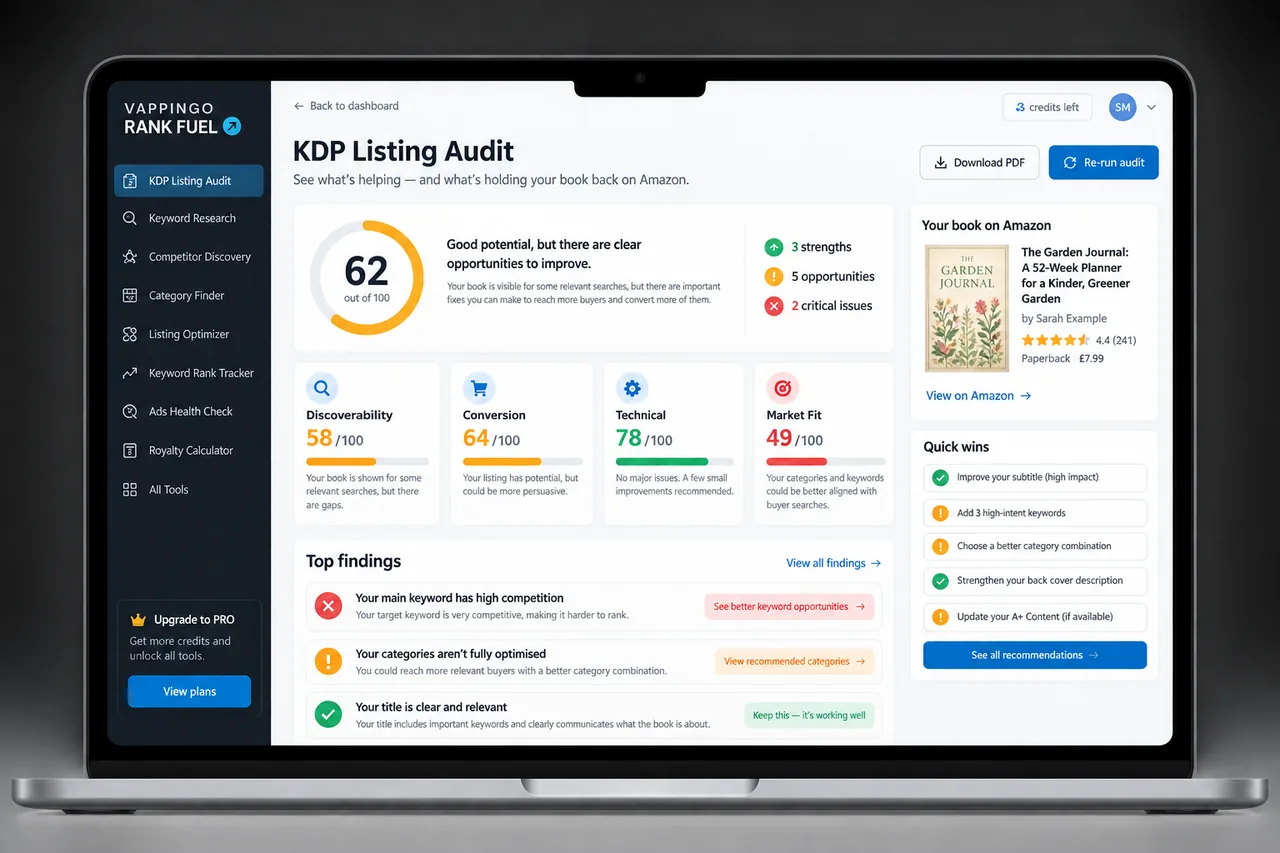
If you want a structured research workflow, KDP Rank Fuel currently provides Keyword Research plus a free Category Finder, with deeper Category Research available on Pro. Use those tools to compare market evidence, then make the final metadata decisions based on relevance to the actual book.
A Simple Metadata Decision Framework
Start by writing one sentence that describes the reader and one sentence that describes the book. Choose categories that accurately classify that book, then research keyword phrases that represent searches the same reader could make. If a proposed keyword merely repeats the category label without adding audience, trope, setting, problem, outcome, or use-case information, replace it with a more specific search route. After launch, save the metadata and change it only when you have a clear reason so search and category effects do not become impossible to interpret.
KDP Rank Fuel can support keyword, category, rank, and market research. Its scores and estimates are research aids; Amazon does not publish the proprietary formulas behind search placement or exact sales thresholds.
Metadata can help the right reader find a book, but the listing and manuscript still have to earn trust. Vappingo provides professional manuscript proofreading by qualified human editors.
Frequently Asked Questions
How many KDP keyword fields are there?
KDP currently provides up to seven keyword fields. Use them for relevant keywords or short phrases and avoid padding the set with duplicate or prohibited language just to fill space.
Should I repeat my title or categories in the keyword fields?
Usually no. KDP advises against repeating metadata already covered elsewhere. Use the limited keyword fields to add distinct reader search language.
How often should I change KDP keywords?
There is no required refresh schedule. Change them when research, positioning, marketplace behavior, or post-launch evidence gives you a clear reason, and keep a record of what changed.
Can I use competitor author names or book titles as keywords?
KDP warns against unauthorized references to other authors, books, or trademarked terms. Use compliant reader language and verify the current metadata rules before publishing.
Do KDP keywords guarantee a search ranking?
No. Keywords are metadata inputs, not guaranteed positions. Search visibility also depends on relevance, shopper behavior, competition, listing quality, and Amazon-controlled systems.
Make the Metadata Easier to Defend
The strongest KDP metadata strategy is easy to explain: every category accurately describes the book, every keyword represents a plausible reader search, every change has a reason, and no part of the plan depends on a retired support workflow or an undocumented ranking formula. That standard makes the listing safer, clearer, and easier to improve as Amazon changes.