KDP Category Research Strategy: A Repeatable 2026 Workflow
A step-by-step KDP category research process that balances reader relevance, live category availability, competitive context, and post-publication measurement.
Category research is most useful when it turns an ambiguous publishing decision into a repeatable sequence. The goal is not to discover a secret shelf where any book can become a bestseller; it is to find the strongest accurate categories available for this book, in this format, in this marketplace, at this point in its life.
Amazon’s current KDP guidance gives authors up to three category selections and tells them to research their genre, choose accurate categories, and balance popularity with relevance. It also warns that categories differ by marketplace and format. This workflow builds on those published rules rather than on pre-2023 support-request tactics or fixed sales thresholds. See the current KDP category documentation.
Step 1: Write the Book’s Positioning Statement
Before opening Amazon, describe the book in one sentence that includes its genre or subject, its audience, and its central promise. This statement gives you a fixed point against which every category can be tested and prevents competition data from pulling the book toward an inaccurate shelf.
For fiction, the statement should usually name the core genre and meaningful subgenre. For nonfiction, include the subject and the reader problem or use case. For children’s books, audience and reading age belong in the statement because they affect both reader expectation and KDP category eligibility.
“A practical personal-finance guide for UK freelancers who want to stabilize irregular income” gives you several legitimate research branches: personal finance, budgeting, self-employment, and small-business money. It also makes unrelated low-competition categories easy to reject.
Step 2: Build a Candidate List From Live Sources
Use the KDP selector and the live Amazon store to build a candidate list larger than the final three. Category trees change, so old blog posts, screenshots, spreadsheets, or competitor metadata should only generate ideas; they should not be treated as the current source of truth.
Aim for six to ten plausible candidates spanning the book’s main positioning dimensions. Include the obvious category, one or two more specific options, and genuinely relevant adjacent shelves that represent different reader intents.
- Check the primary marketplace you actually expect to sell in.
- Review the format you are publishing now rather than assuming another format has the same tree.
- Open comparable books and note recurring category patterns without copying them blindly.
- Record the exact current category label or path shown in KDP.
- Remove any option you cannot defend from the manuscript itself.
Step 3: Score Relevance Before Competition
Create a simple relevance score before you look at rank difficulty. A category should score highly when the book’s title, cover, description, manuscript, and intended audience all support the same shelf. If the fit is weak, remove the category regardless of how easy it appears.
A useful qualitative scale is Strong, Plausible, and Weak. Strong means a reader browsing the shelf is an obvious target buyer; Plausible means the category represents a substantial secondary dimension; Weak means the connection depends on a minor trope, chapter, audience, or marketing angle.
- Strong: central genre, subject, audience, or use case.
- Plausible: meaningful secondary promise supported throughout the book.
- Weak: technically related but likely to surprise the category’s typical shopper.
Only Strong and carefully chosen Plausible categories should survive to the competition stage. This protects conversion and keeps the strategy within KDP’s prohibition on misleading categorization.
Step 4: Assess Competitive Context Without Fake Precision
Now compare the surviving categories for difficulty. Look at the books near the top, their overall sales-rank patterns, review strength, publisher mix, recency, pricing, and how established the leading authors appear. You are trying to understand the shelf’s competitive environment, not calculate an exact number of sales required to reach a position.
Amazon says Category Ranks are based on customer activity relative to other books and that rankings use both recent and historical activity. That means any sales estimate derived from BSR is approximate and can change as the category changes. Amazon’s Sales Ranking page is the factual baseline.
Instead of asking “How many sales guarantee #1?”, ask “Among the accurate categories on my shortlist, which shelves appear to offer a realistic route to visible placement given my current audience, launch plan, and comparable books?”
Step 5: Check for Redundant Discovery Routes
Three labels do not automatically create three distinct discovery paths. Closely related category branches can reach very similar readers, and Amazon may show the book in broader parent categories as part of the same taxonomy.
Compare the shopper journey behind each candidate. If two categories contain nearly the same leading books and reflect the same intent, consider using one slot for a different accurate dimension of the book.
Do not rely on community concepts such as “ghost category” or “duplicate node” as if they were official KDP statuses. Amazon does say categories can become unavailable or change over time, so verify that the category is currently browsable and relevant rather than assuming an old label remains valuable.
Step 6: Choose the Final Three With a Written Rationale
For each final category, write one line explaining its job. One might be the core reader shelf, another a highly specific subgenre, and another a legitimate adjacent use case or audience. If two categories have the same rationale, revisit whether both deserve a slot.
- Category 1: strongest core reader fit.
- Category 2: a specific accurate subgenre, topic, or use-case route.
- Category 3: a complementary audience or subject route that adds something distinct.
- All three are available for the current format and primary marketplace.
- All three are supported by the cover, description, keywords, and manuscript.
Save the rationale with your publishing records. Months later, it will tell you why a category was chosen and make a future audit far more useful.
Step 7: Publish, Verify, and Establish a Baseline
KDP says category updates can take up to 72 hours to display, so the research process continues after submission. Once the update window has passed, check the product page, visible category ranks, search context, and whether the book appears where you expected.
Record the post-publication baseline before making further changes. Category rank is relative and volatile, so track trends alongside sales, KENP where relevant, advertising, and conversion signals rather than declaring the category successful after one favorable screenshot.
- Submit the categories and record the date.
- Wait for the KDP processing window.
- Verify the live detail page and browsing context.
- Capture rank and sales baselines.
- Review after enough data accumulates to support a decision.
Step 8: Know When to Research Again
Repeat category research when the book’s positioning changes, Amazon updates the taxonomy, a new format launches, the current shelf becomes clearly mismatched, or performance data suggests an equally accurate alternative may provide a better route to relevant readers. In each case, write down the trigger so the new research has a defined purpose.
Do not redo the research simply because rankings fluctuate. A mature category process is deliberately boring: accurate choices remain stable until evidence creates a reason to revisit them.
A Category Research Worksheet You Can Reuse
A reusable worksheet makes the research faster without making it formulaic. Give each candidate one row and capture the category name, format, marketplace, reader-fit rationale, comparable books, observed rank range, estimated competition notes, and the reason it might deserve one of the final three slots.
Add a column called “What would make this category a bad choice?” This forces you to look for disconfirming evidence rather than collecting only reasons to select the shelf. Typical answers include weak manuscript fit, a misleading audience signal, a category that no longer appears in KDP, or a shelf dominated by a very different type of book.
- Category label and current path
- Format and primary marketplace
- Reader-fit score and rationale
- Three to five comparable books
- Observed category-rank and BSR context
- Estimated competition notes
- Potential overlap with another candidate
- Risk or reason to reject
- Final decision and date
Keep the worksheet with the book’s metadata record after publication. When you revisit the title months later, you can compare the live store with the original research instead of starting from memory or rediscovering why a promising-looking category was rejected.
Worked Example: From Ten Candidates to Three
Imagine a practical nonfiction book for first-time freelance graphic designers about pricing, proposals, client boundaries, and cash-flow management. The first pass might produce ten candidate shelves across design careers, freelancing, entrepreneurship, small business, negotiation, personal finance, and professional communication.
The relevance pass removes personal-finance categories that imply household budgeting and negotiation categories that overstate one chapter. The remaining shelves are compared for live availability, reader fit, and competitive context. A design-career category becomes the core choice, an entrepreneurship category adds a second discovery route, and a freelancing or small-business operations category becomes the third because it reflects a substantial part of the book.
Notice what the process does not do. It does not select the category with the lowest estimated sales threshold, and it does not assume a competitor’s visible rank proves the same category is right for your book. The final three survive because they are accurate first and commercially plausible second.
After publication, the publisher records the submitted categories, waits for KDP’s processing window, and then checks the live detail page and performance. If one category proves weak, the original worksheet still contains the next-best candidates and the reasons they were shortlisted.
Using Rank Fuel Without Turning Estimates Into Rules
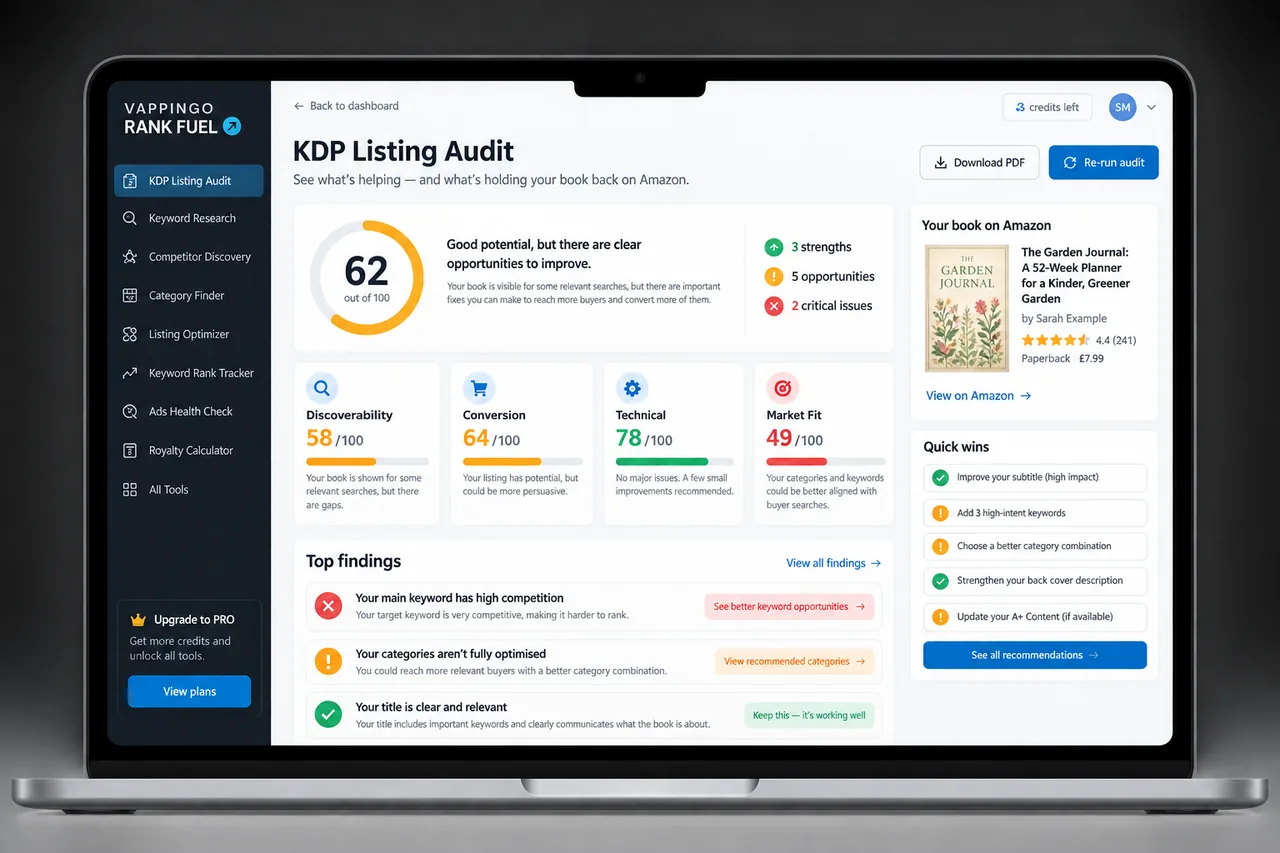
Rank Fuel’s Category Finder can help surface available category options, while Category Research can add estimated competition and market context. Those tools are most valuable inside the workflow described above, after relevance has been established and before the final choice is confirmed in KDP.
Keep estimates labeled as estimates. Rank Fuel can organize evidence and reduce manual research, but Amazon alone controls the live taxonomy, category placements, and ranking system.
Use Rank Fuel to explore relevant category options and compare estimated competitive context, then verify the final choices directly in KDP. The tool should reduce research friction, not replace editorial judgment.
Frequently Asked Questions
How long should KDP category research take?
There is no required duration. A new author may spend longer building a reliable shortlist, while an experienced publisher with a well-known genre may move faster. Quality of the decision matters more than a fixed time target.
How many categories should I research before choosing three?
A shortlist of six to ten is often practical because it gives you alternatives without turning the exercise into endless browsing. The exact number depends on how broad the book is.
Can I use BSR to estimate category difficulty?
Yes, cautiously. BSR is relative and not a direct sales count, so use it with other signals and avoid fixed guarantees.
Are the narrowest categories always best?
No. The best category is the most specific useful category that remains fully accurate for the book and its readers.
Can KDP change my categories?
Yes. KDP says categories can change or fail to display for several reasons, including taxonomy updates and inaccurate categorization.
When should I redo the research?
Redo it when the book, format, audience, taxonomy, or performance evidence creates a clear reason, not simply because a few days of rank data are noisy.
Make the Research Repeatable Enough to Trust
A category strategy becomes valuable when another person could look at your notes and understand why each choice was made. That requires a clear positioning statement, a broader candidate list, evidence about the live shelf, and a written rationale for the final three.
The same process also makes future updates easier. Instead of starting from memory or chasing a new hack, you can compare today’s category landscape with the original decision and change only what the evidence justifies.