How Many KDP Categories Can You Have? The Current Three-Category Rule
KDP currently lets authors choose up to three categories. Learn what that means for formats, marketplaces, public category ranks, and category updates.
The answer to “how many KDP categories can I choose?” has changed, and a great deal of outdated advice circulates online from authors who learned the rules before mid-2023. If you’ve read older advice about using support requests or special metadata tactics to obtain additional category slots, that information is no longer accurate for the current author-facing workflow.
Amazon changes metadata, taxonomy, and merchandising systems. This article reflects the September 2026 workflow, but the live KDP interface and help pages remain the final authority.
The Current Category Limit: Three Per Format
KDP currently lets authors choose up to three categories during setup. Choose categories that accurately describe the book for its primary audience, format, and primary marketplace. Amazon notes that category availability can differ by marketplace and format, and updates can take up to 72 hours to appear. See the current KDP category guidance.
The wording “three per format” needs one qualification: category options can differ by format and marketplace, so treat each edition in its own live setup context. Do not assume the same category names will be available everywhere, and do not multiply three by every format and call the result a guaranteed number of independent public ranking placements.
Your selected categories are metadata inputs. Amazon can display up to three Best Seller Category ranks on the detail page, and those displayed ranks are influenced by customer activity. That output is not a simple list of everything you selected in KDP.
What Changed in 2023
KDP moved away from the older category process that generated years of advice about choosing two categories and contacting support for additional browse-node placements. The current author workflow is direct category selection in KDP, with up to three categories. Old support scripts and “request ten categories” tutorials should therefore be treated as legacy guidance.
This change makes live taxonomy research more important. Authors can see and choose from the current selector rather than depending on an external browse-node code list, but the available options still vary by marketplace and format and can change over time.
What Amazon Controls Beyond Your Three Selections
Amazon controls merchandising and classification beyond the three categories you select. A book can appear in additional browse, search, recommendation, or ranking contexts without the author having explicitly selected every one. That does not create a reliable method for requesting or programming extra category slots.
Keywords and other metadata can help Amazon understand the book, but KDP does not publish a deterministic keyword phrase that adds a specific hidden category. Build coherent metadata and let Amazon’s systems make their additional classification decisions rather than treating them as author-controlled placements.
Maximising Your Three Slots
Make each slot answer a different but accurate reader question. One might capture the primary genre or subject, another a narrower subgenre or problem, and the third a distinct audience or use case. The exact combination depends on the book; the goal is useful coverage without inventing relevance.
Compare candidate categories before choosing. Look at live comparable books, current ranks, reader fit, price and review context, and the strength of the browse/ranking surface. If two slots have effectively the same rationale, consider whether another accurate dimension would add more discovery value.
Do Parent Categories Count as Extra Placements?
Do not count parent nodes as guaranteed “free categories.” Amazon controls how selected categories relate to wider browse and ranking surfaces, and a book’s public category ranks are not a simple arithmetic roll-up of the hierarchy. A child category can imply a broader subject context without guaranteeing a separate visible rank everywhere above it.
This matters when authors boast that three selections secretly equal six, nine, or more categories. That accounting is not a useful planning model. Judge the three choices you actually control on accuracy and opportunity, then observe what Amazon displays.
Category Rank vs Overall BSR: Understanding the Difference
Overall Amazon Best Sellers Rank and category rank answer related but different questions. Overall BSR places the book relative to a much larger store population; category rank places it relative to books Amazon associates with a particular category context. Both are relative and can move when competing books change. See Amazon’s ranking explanation.
Do not convert either number into an exact daily sales count. Third-party estimates can help compare markets, but the rank is not a transparent sales ledger and Amazon does not publish a fixed copies-per-day table.
Common Myths About Getting More Than Three Categories
| Claim | Current position |
|---|---|
| Contact support for ten categories. | Legacy workflow; authors now choose up to three categories in KDP. |
| Use a special keyword to unlock a hidden node. | No stable KDP-published unlock list exists. |
| Every parent category counts as another placement. | Amazon controls browse/rank display; do not count parent nodes as author-selected slots. |
| Three categories means only three possible Amazon contexts. | Amazon can merchandise/classify beyond your selections, but those contexts are not author-controlled slots. |
Think of Three Categories as a Portfolio
Give each selected category a written role. The first might express the main genre or subject, the second a narrower reader niche, and the third a distinct accurate use case or audience. Then review the three together. If two have the same role, you may be concentrating unnecessarily; if one has no obvious reader rationale, it may be an “easy rank” temptation rather than a useful placement. This portfolio view is more durable than trying to count hidden or inherited categories.
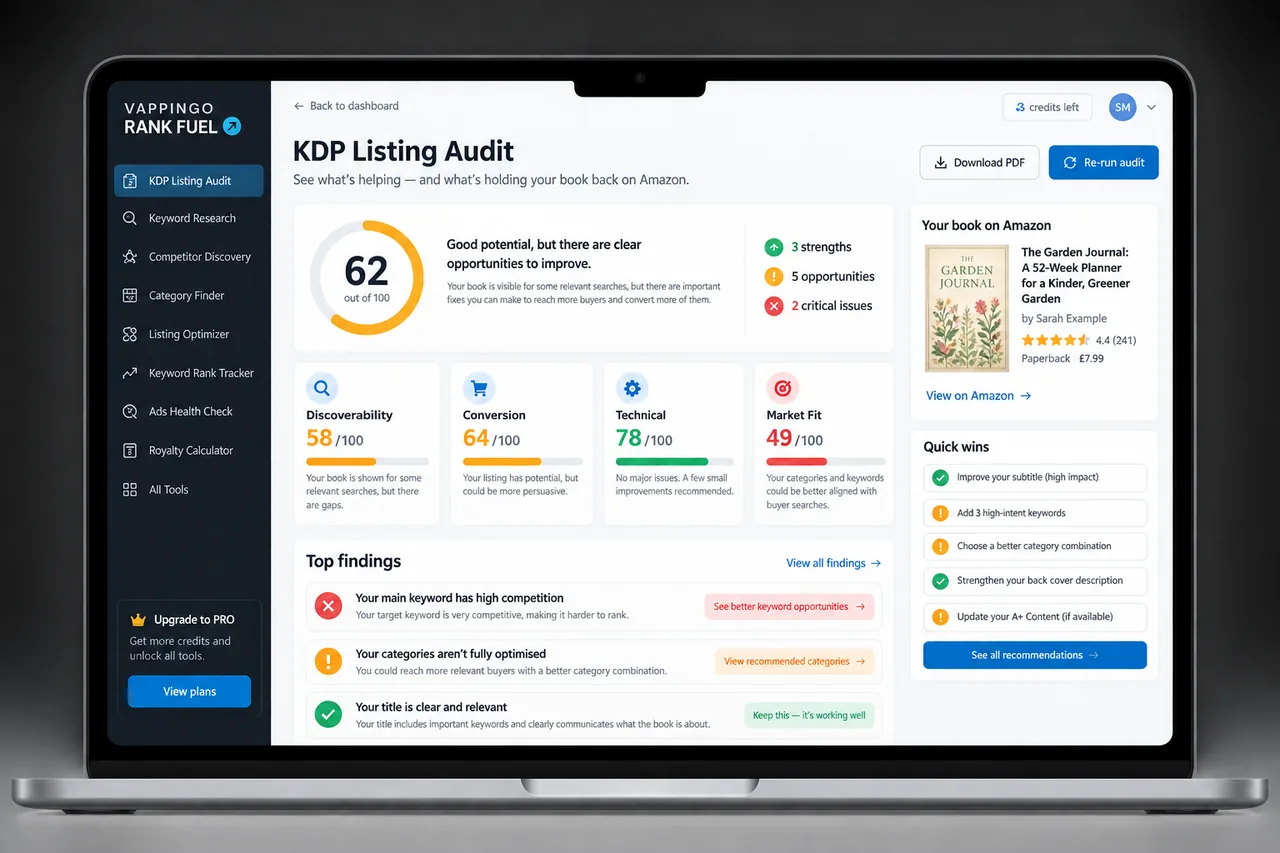
KDP Rank Fuel can support keyword, category, rank, and market research. Its scores and estimates are research aids; Amazon does not publish the proprietary formulas behind search placement or exact sales thresholds.
Metadata can help the right reader find a book, but the listing and manuscript still have to earn trust. Vappingo provides professional manuscript proofreading by qualified human editors.
Practical Review Framework 1
Use one live title as a worked example for how many kdp categories. Record the current marketplace, format, three selected categories, the date, and the comparable books that made each category look defensible. For every category, write one sentence explaining the reader fit and one sentence explaining the competition evidence. If you cannot write both sentences without stretching the truth, the category has not earned a slot.
Then separate what you control from what Amazon controls. You control the categories you select, the accuracy of the metadata, and when you make an update. Amazon controls taxonomy changes, merchandising, the category ranks it displays, and the relative movement of competing books. Keeping those layers separate prevents normal rank volatility from being misread as a secret category rule.
Finally, schedule a review only when there is a reason: a taxonomy change, a repositioning, a new edition, a persistent mismatch, or stronger market evidence. Save the before state, change as little as possible, allow the update window to pass, and compare again. This creates a useful category history instead of a trail of unexplained edits.
Practical Review Framework 2
Use one live title as a worked example for how many kdp categories. Record the current marketplace, format, three selected categories, the date, and the comparable books that made each category look defensible. For every category, write one sentence explaining the reader fit and one sentence explaining the competition evidence. If you cannot write both sentences without stretching the truth, the category has not earned a slot.
Then separate what you control from what Amazon controls. You control the categories you select, the accuracy of the metadata, and when you make an update. Amazon controls taxonomy changes, merchandising, the category ranks it displays, and the relative movement of competing books. Keeping those layers separate prevents normal rank volatility from being misread as a secret category rule.
Finally, schedule a review only when there is a reason: a taxonomy change, a repositioning, a new edition, a persistent mismatch, or stronger market evidence. Save the before state, change as little as possible, allow the update window to pass, and compare again. This creates a useful category history instead of a trail of unexplained edits.
Practical Review Framework 3
Use one live title as a worked example for how many kdp categories. Record the current marketplace, format, three selected categories, the date, and the comparable books that made each category look defensible. For every category, write one sentence explaining the reader fit and one sentence explaining the competition evidence. If you cannot write both sentences without stretching the truth, the category has not earned a slot.
Then separate what you control from what Amazon controls. You control the categories you select, the accuracy of the metadata, and when you make an update. Amazon controls taxonomy changes, merchandising, the category ranks it displays, and the relative movement of competing books. Keeping those layers separate prevents normal rank volatility from being misread as a secret category rule.
Finally, schedule a review only when there is a reason: a taxonomy change, a repositioning, a new edition, a persistent mismatch, or stronger market evidence. Save the before state, change as little as possible, allow the update window to pass, and compare again. This creates a useful category history instead of a trail of unexplained edits.
Frequently Asked Questions
How many KDP categories can I choose?
KDP currently lets authors choose up to three categories. Availability can vary by marketplace and format, and category updates can take up to 72 hours to appear.
Do my three selected categories equal the three category ranks shown on Amazon?
Not necessarily. Your selections are metadata inputs; Amazon controls which Best Seller Category ranks it displays and says customer activity influences those rankings.
Can I contact KDP Support to get ten categories?
That is legacy advice from the older category workflow. The current author-facing process is to select up to three categories directly in KDP.
Can a keyword unlock an extra hidden category?
KDP does not publish a stable keyword-to-category unlock list. Use keyword fields for relevant reader searches and choose categories through the live KDP workflow.
How should I compare category competition?
Compare current relevant books, relative BSR, price, review context, format, and reader fit across more than one observation where possible. Treat sales estimates as ranges, not Amazon guarantees.
Make the Metadata Easier to Defend
The strongest KDP metadata strategy is easy to explain: every category accurately describes the book, every keyword represents a plausible reader search, every change has a reason, and no part of the plan depends on a retired support workflow or an undocumented ranking formula. That standard makes the listing safer, clearer, and easier to improve as Amazon changes.