How to Use HTML Formatting in KDP Book Descriptions
A strong description makes the right reader understand the promise of the book quickly, without stuffing the field with material Amazon does not allow.
Amazon’s book description field accepts HTML; but most authors either do not know this or do not use it, and their descriptions pay the price. An unformatted description renders as a dense paragraph block that readers skim past. A well-formatted description uses visual structure to guide the reader’s attention directly to the parts that will convert them. For the complete book description guide, see our .
Why HTML Formatting Matters
Humans scan before they read. On Amazon’s product page, a reader who arrives at your description has typically already processed your cover, title, price, and ratings in a fraction of a second. They arrive at the description ready to scan; looking for cues that confirm whether this book is for them. If the description is a wall of text, they have to work to extract those cues. Work creates friction. Friction reduces conversion.
Formatted descriptions do the reader’s scanning work for them. Bold key phrases, paragraph breaks that separate the hook from the setup from the stakes, a bullet list that allows the reader to extract specific benefits at a glance; all of these reduce friction and improve the rate at which interested readers convert to buyers.
Supported HTML Tags
KDP currently supports a deliberately small set of description tags. The safe core is <br> for line breaks, <p> for paragraphs, <b> for bold, <em> or <i> for emphasis/italics, <u> for underline, <h4> through <h6> for headings, and <ol>/<ul> with <li> for lists. KDP specifically says <h1>, <h2>, and <h3> are not supported in the Description field.
The visual editor can handle most everyday formatting, so Source view is most useful when you need precise line breaks or want to diagnose messy pasted markup. Remember that HTML tags count toward the 4,000-character limit.
Paragraphs and Line Breaks
The tag creates a paragraph block with spacing above and below; equivalent to pressing Enter twice in a word processor. This is the primary structural tool for all description types. Every logical unit of your description; hook, setup, conflict, stakes; should be wrapped in its own tags.
The
tag creates a single line break without the full paragraph spacing. Use it within a paragraph when you want a visual break that is tighter than a full paragraph separation; for instance, between lines of dialogue-style hooks or between the final dramatic line and the call to action in a thriller description.
Bold and Italic
Bold text draws the eye. In a description, bold should be reserved for the two or three phrases that are most critical to the conversion decision; the key stake, the most powerful benefit, or the call to action. Using bold liberally defeats the purpose and trains the reader to ignore it.
Italic text in descriptions is most useful for book titles (a standard typographic convention), character names in some genre fiction descriptions, and subtle emphasis in literary passages. It should be used more sparingly than bold.
Both and produce bold text in Amazon’s description. Use for simplicity unless you have a specific reason for the semantic distinction.
Headings
Headings in descriptions are primarily useful for nonfiction, where a description may benefit from clear section labels; “What You’ll Learn,” “Who This Is For,” “Inside This Book.” For fiction, headings are rarely appropriate and can make the description feel like a report rather than a sales pitch.
Use for primary section labels and for secondary labels. Avoid and ; these render disproportionately large in Amazon’s description field and create an unpleasant visual imbalance.
Bullet and Numbered Lists
Lists are the most powerful formatting tool for nonfiction descriptions. A well-formatted benefits list allows readers to scan directly to the specific value proposition relevant to their situation.
The correct HTML structure:
Tags to Avoid
Avoid CSS, scripts, links, custom colors, font controls, unsupported heading levels, and complex layout markup. Even when copied code appears to survive the editor, unsupported or malformed HTML can create validation errors or render unpredictably on the detail page.
Keep the markup boring on purpose. The goal is hierarchy and readability, not a miniature web page. If a description copied from Word or another editor behaves strangely, KDP recommends checking Source view for hidden or unsupported characters and simplifying the markup.
How to Enter HTML in KDP
In KDP’s book setup, the Book Description field accepts raw HTML. Simply type or paste your HTML directly into the field; do not use the Rich Text formatting toolbar, which is unreliable and often inserts unwanted markup around your code. Type your HTML by hand or paste from a text editor, then preview it using KDP’s previewer before submitting.
Always preview your description on both desktop and mobile views to confirm the formatting renders correctly across both. Mobile is where most Amazon browsing occurs, and descriptions that look clean on desktop sometimes render unexpectedly on mobile.
Before and After: Formatted vs Unformatted
She never expected to inherit a murder. When Edie Marsh returns to her grandmother’s Cotswold cottage after twenty years away, she plans to sell the house and leave the past behind. But a trail of coded letters hidden beneath the floorboards draws her into a mystery that the village of Thornwick has spent decades trying to bury. And someone is watching to make sure it stays buried. Perfect for fans of charming English mysteries with heart. Scroll up to start reading today.
She never expected to inherit a murder.
When Edie Marsh returns to her grandmother’s Cotswold cottage after twenty years away, she plans to sell the house and leave the past behind.
But a trail of coded letters hidden beneath the floorboards draws her into a mystery that the village of Thornwick has spent decades trying to bury.
And someone is watching to make sure it stays buried.
Perfect for fans of charming English mysteries with heart. Scroll up to start reading today.
The content is identical. The formatted version is substantially easier to read and allows the reader’s eye to move naturally from hook to setup to stakes to CTA. The bold opening and italic closing stakes create natural emphasis points that the unformatted version lacks entirely.
Once your description is properly formatted, make sure it is generated from the best possible copy. A dedicated
like KDP Rank Fuel generates HTML-formatted book descriptions automatically; the output is ready to paste directly into KDP’s description field without any additional markup work.
And before all of this matters, your manuscript should be professionally checked. from Vappingo ensures your book delivers on the promise your well-formatted, high-converting description has just made.
Current KDP description rules to check before publishing
Amazon currently limits the Description field to 4,000 characters, including any HTML tags you add in Source view. Its own writing guidance emphasizes three qualities: keep the description simple, make the opening compelling, and publish professional copy that has been proofread carefully. Amazon also recommends keeping the main explanation easy to scan rather than overwhelming a shopper with every plot point or feature.
The restrictions matter just as much as the copywriting. KDP says descriptions cannot contain phone numbers, postal or email addresses, website URLs, customer-review requests, reviews, quotes or testimonials, promotional or time-sensitive material, pricing or alternative-ordering information, Unicode emoji, spoilers, or keyword/book-tag phrases. Treat those as publishing constraints, then make the permitted copy do the selling work through clarity, stakes, reader fit, benefits, and voice.
Use this page as part of a complete description workflow
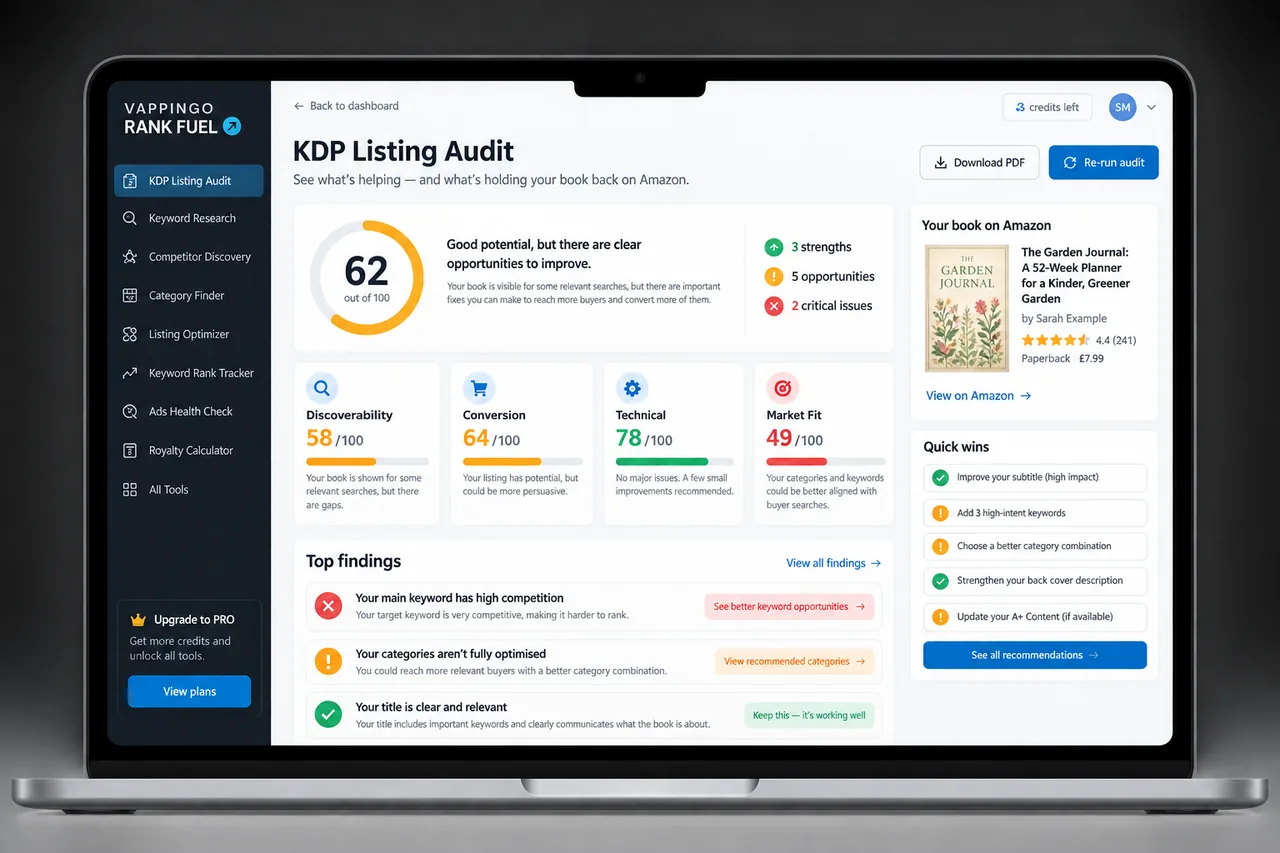
Writing the description is easier when each page has one job. Start with the complete Amazon book description guide for the overall structure, then use the specialist guides for genre, hooks, formatting, series copy, length, or diagnosis. If a live listing is underperforming, compare the description with the broader KDP Listing Audit process so you do not rewrite copy when the real bottleneck is the cover, positioning, keywords, or price.
For authors who want a more structured listing workflow, Rank Fuel’s current Listing Generator helps create a complete Amazon listing, while Listing Audit identifies the areas most likely to need attention. Treat those tools as drafting and diagnosis aids, then apply human judgment to the final promise, tone, and accuracy.